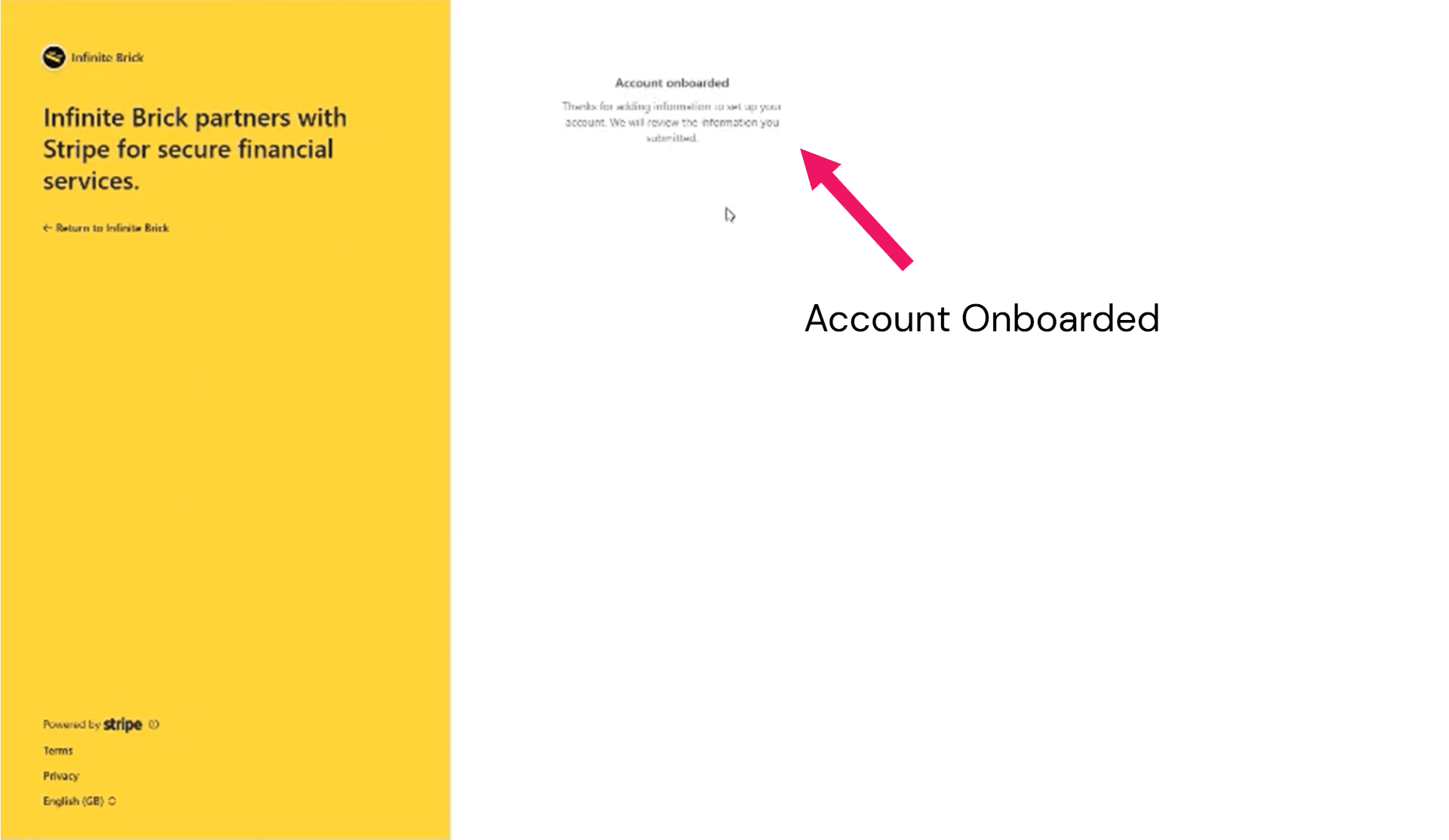
Getting Paid (Payouts via Stripe Connect)
This guide is for Infinite Brick vendors. Before your first product goes live, you’ll need to set up payouts. Infinite Brick uses Stripe Connect to process customer payments and send payouts to you. Here’s how to link your existing Stripe account or create a new one.
Navigate to https://infinitebrick.com/
Click on "Sign In"

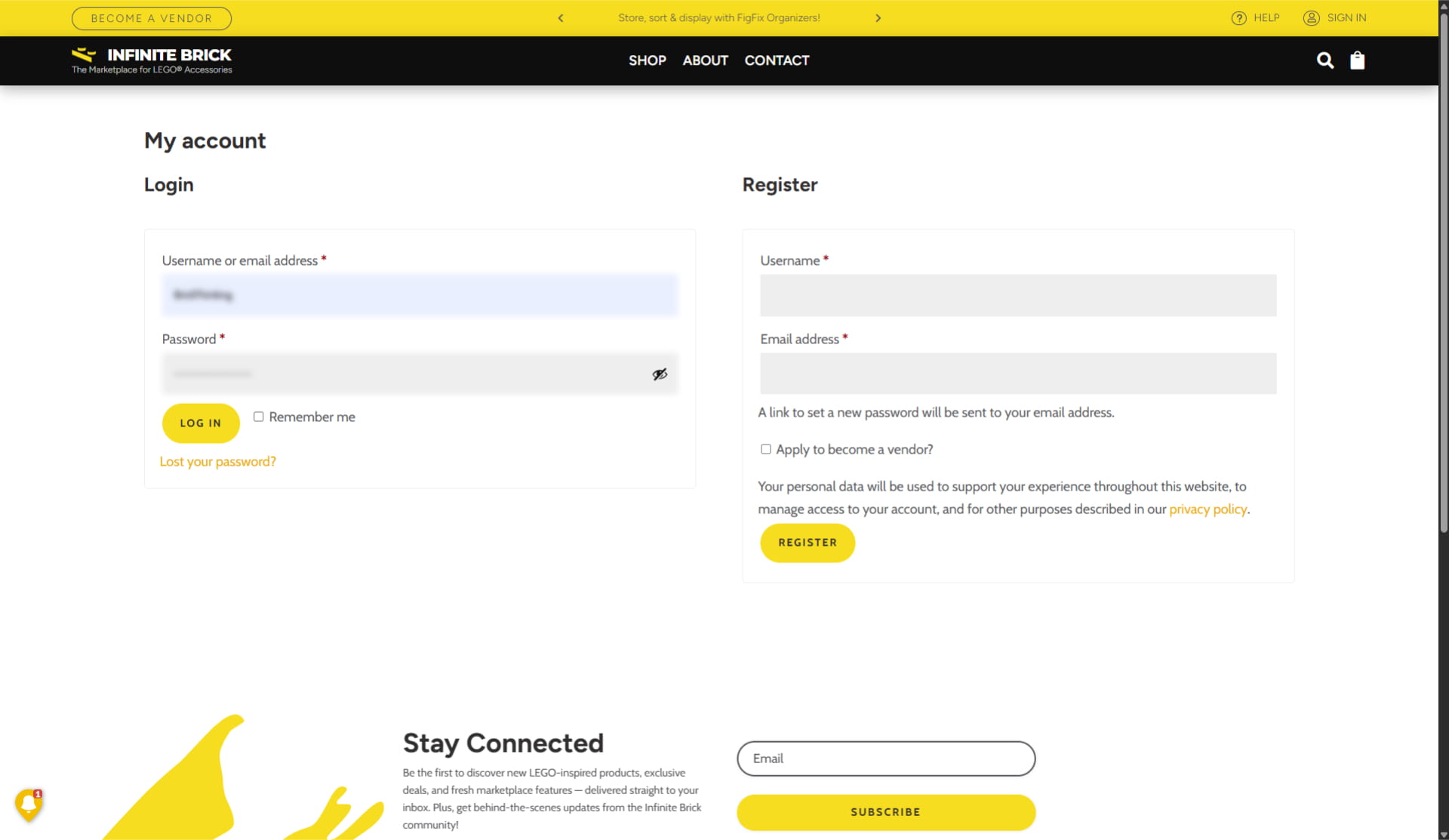
Enter your email address, password and click on "Log in"
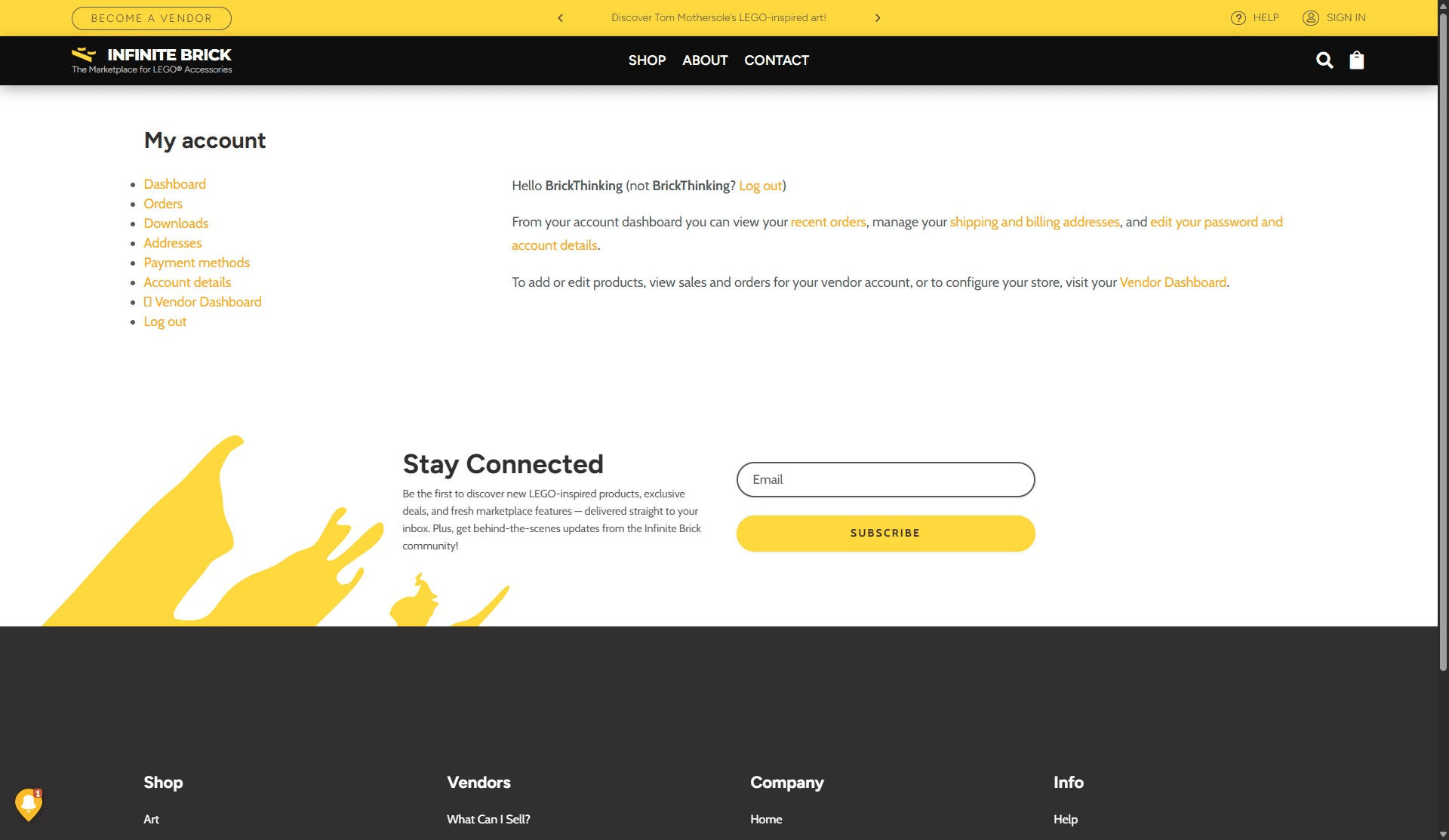
Click on "Vendor Dashboard"
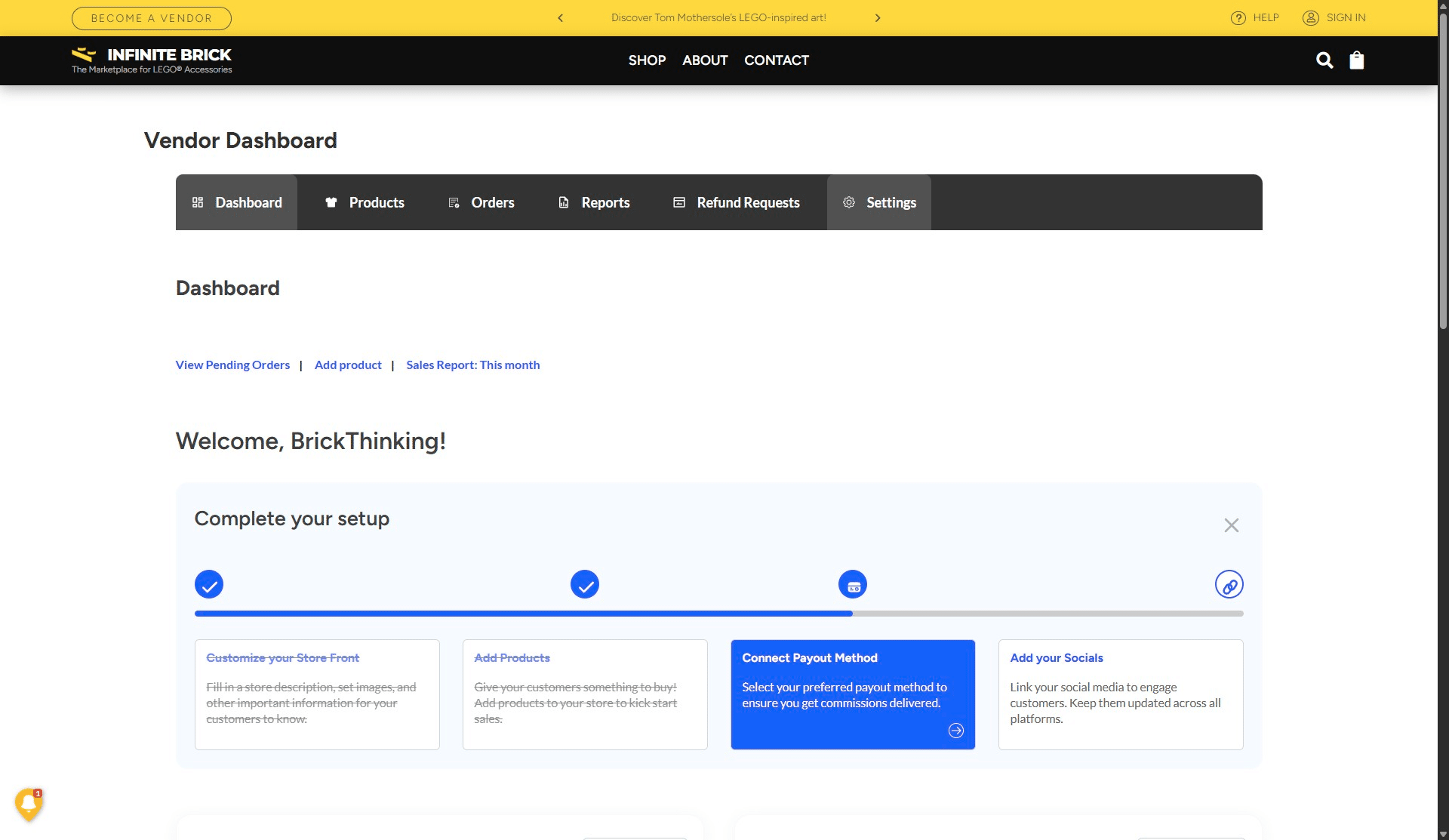
Click the "Settings" tab
Click on "Payouts"
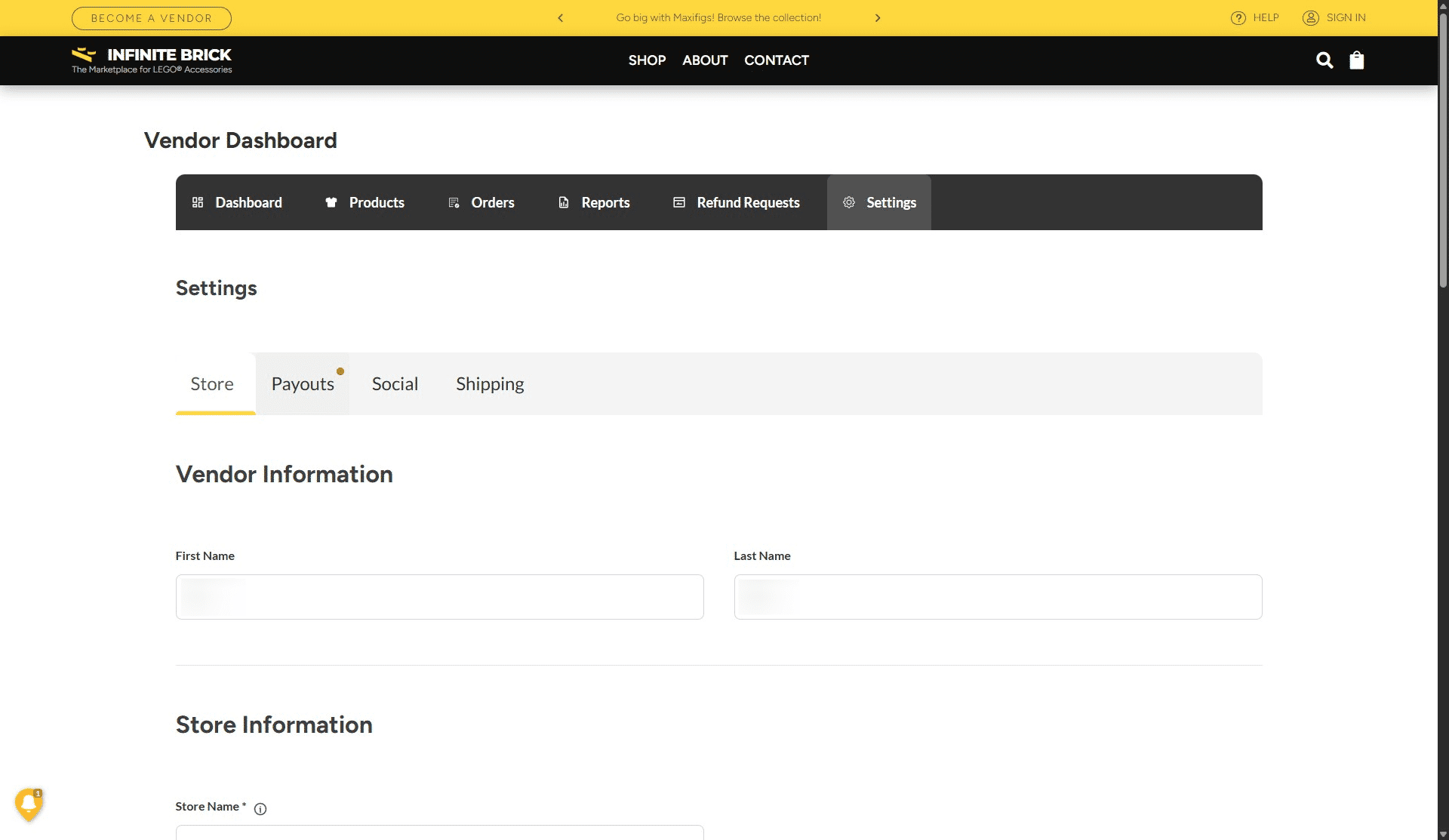
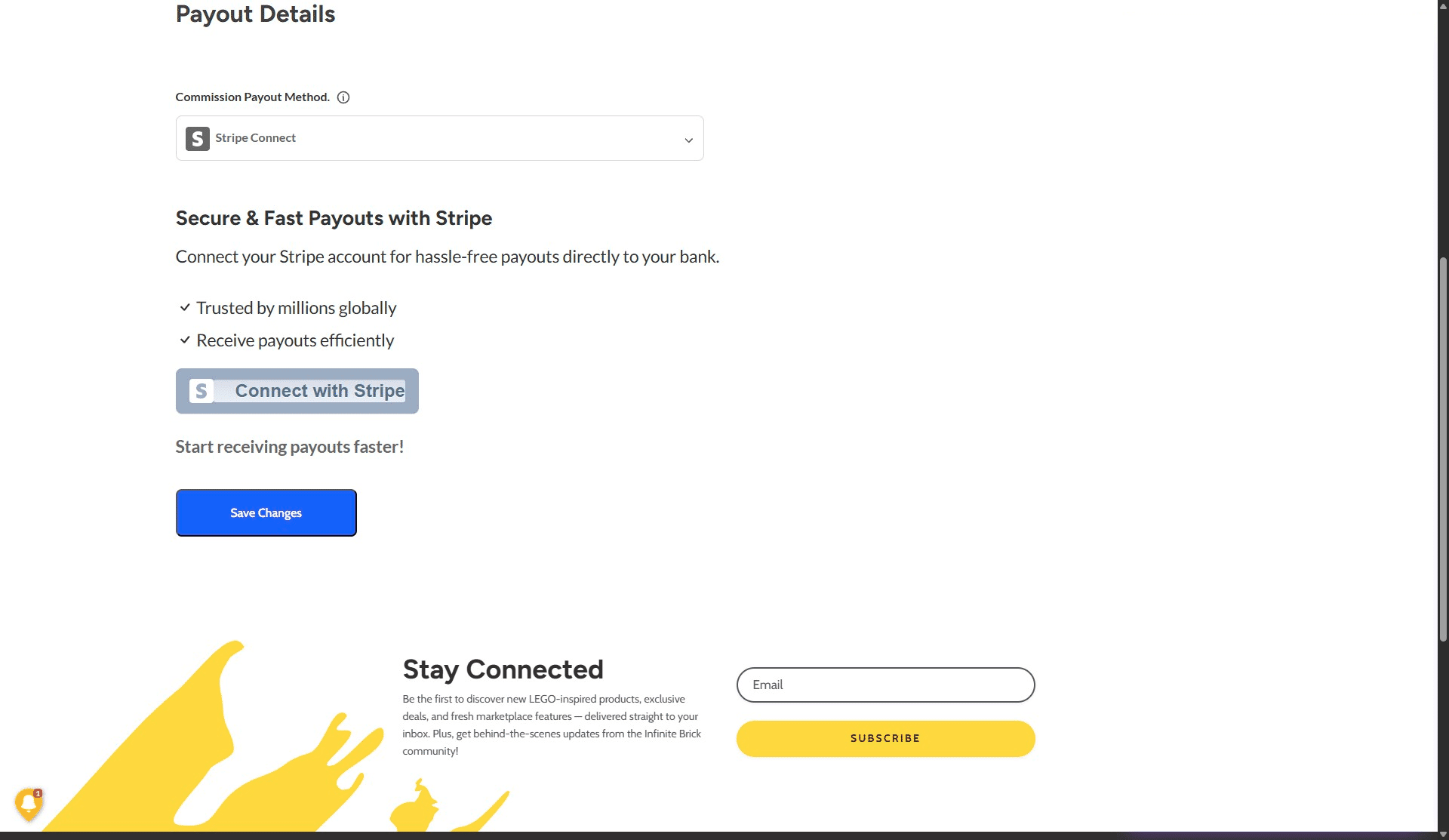
Click the drop down menu under "Commission Payout Method"
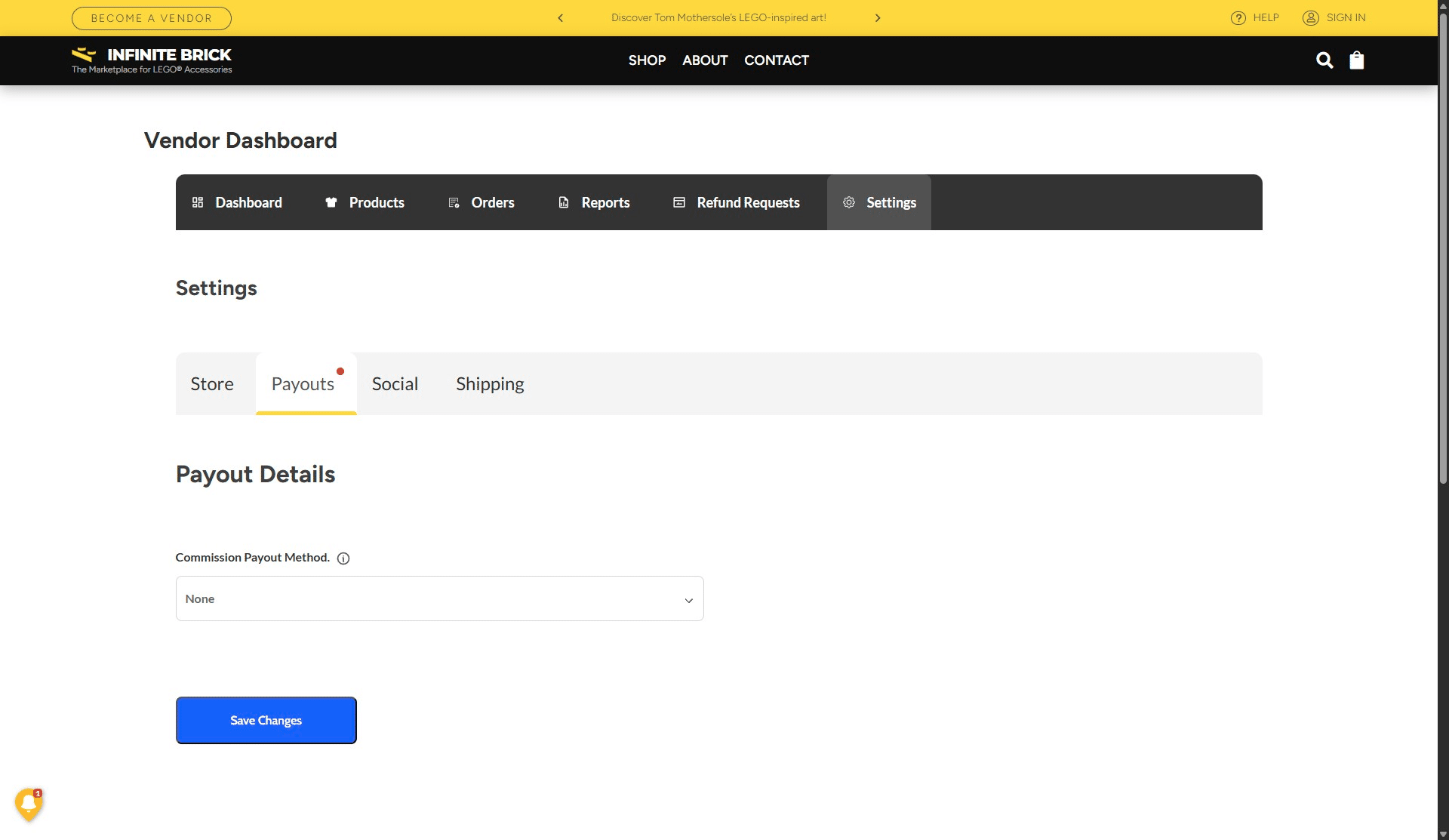
Choose "Stripe Connect"
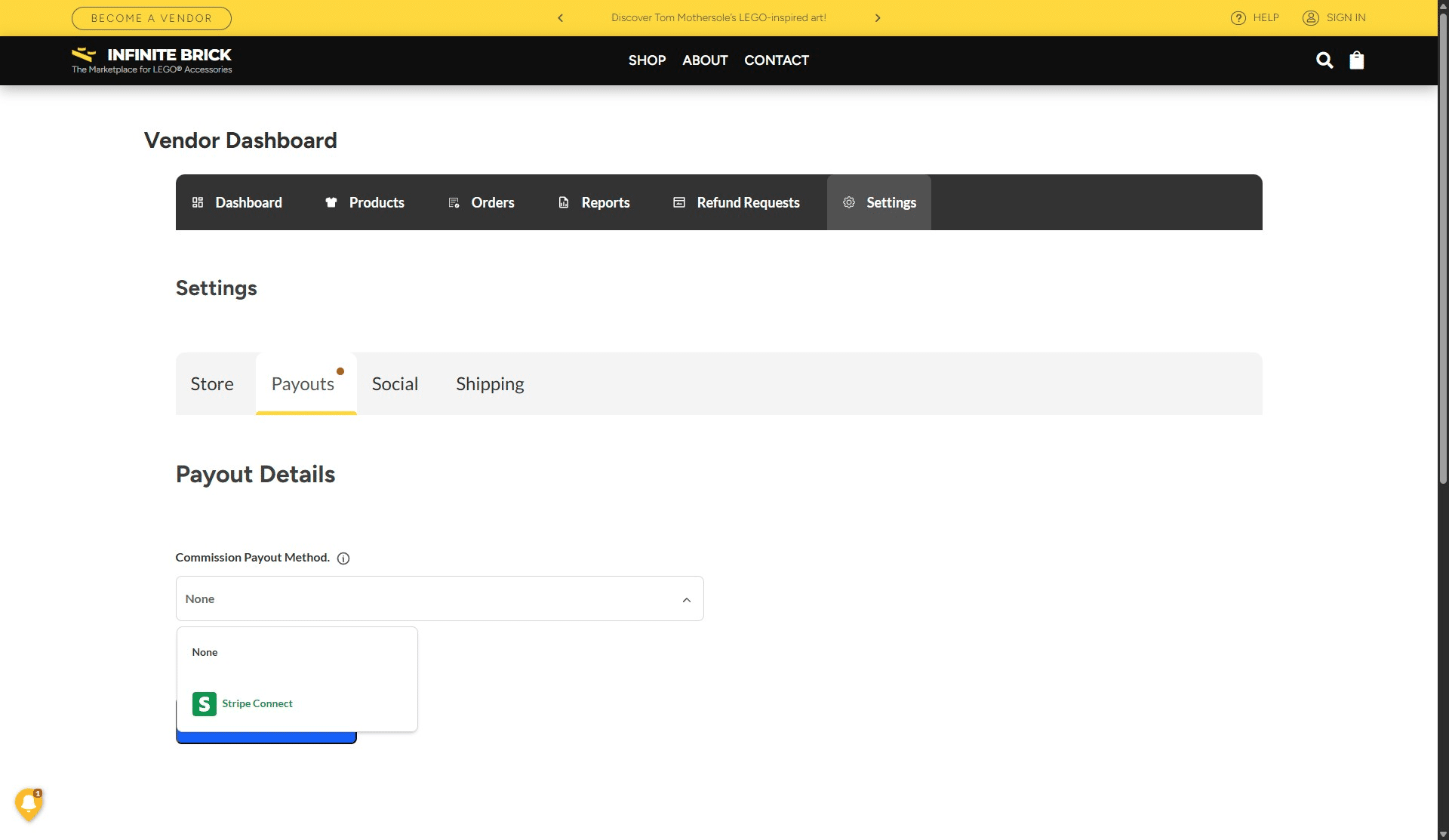
Click "Save Changes" and the page will re-load.
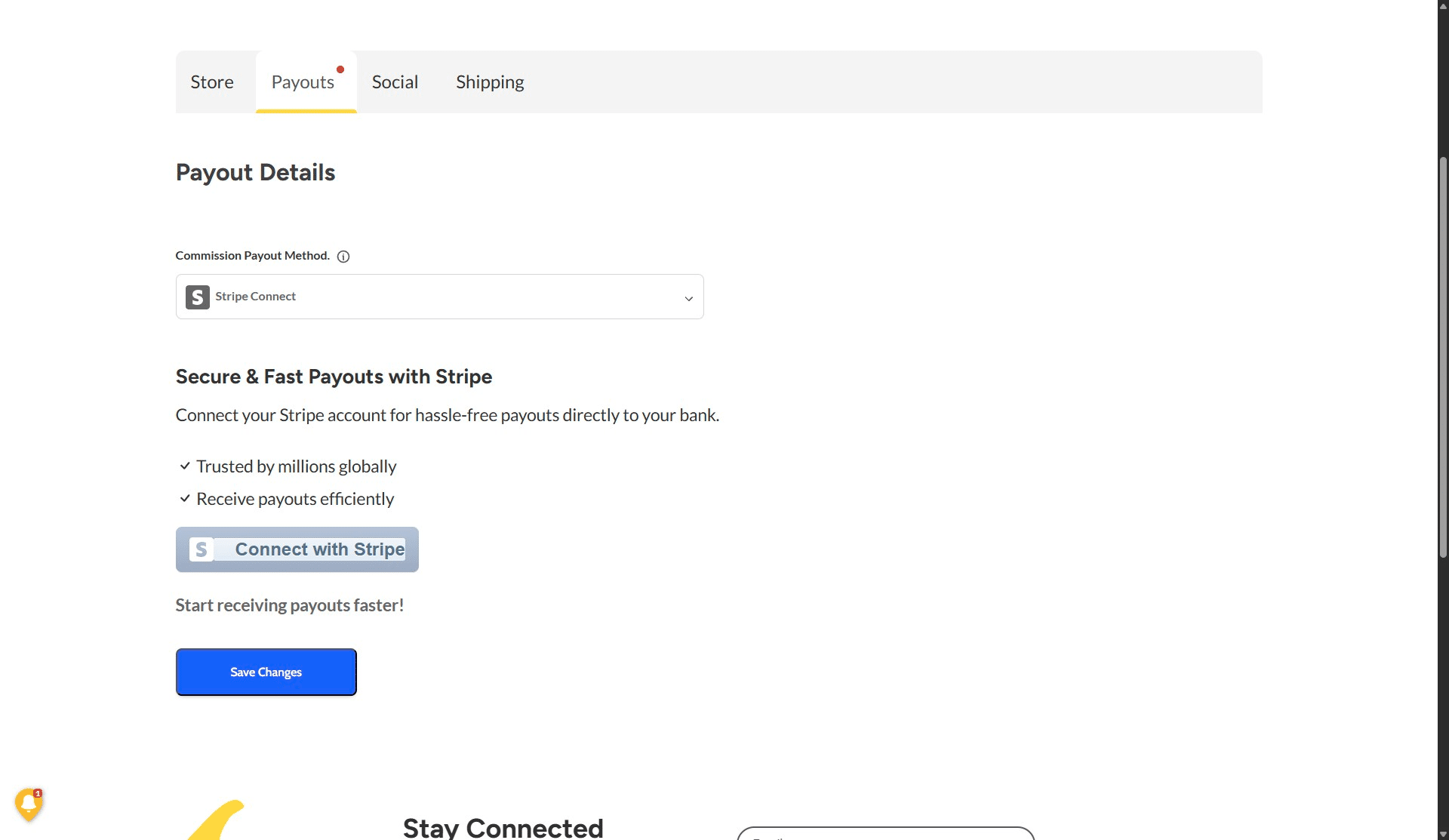
Click on "Connect with Stripe"
Already have Stripe? Enter that email. New to Stripe? Use the business email you want to register with.
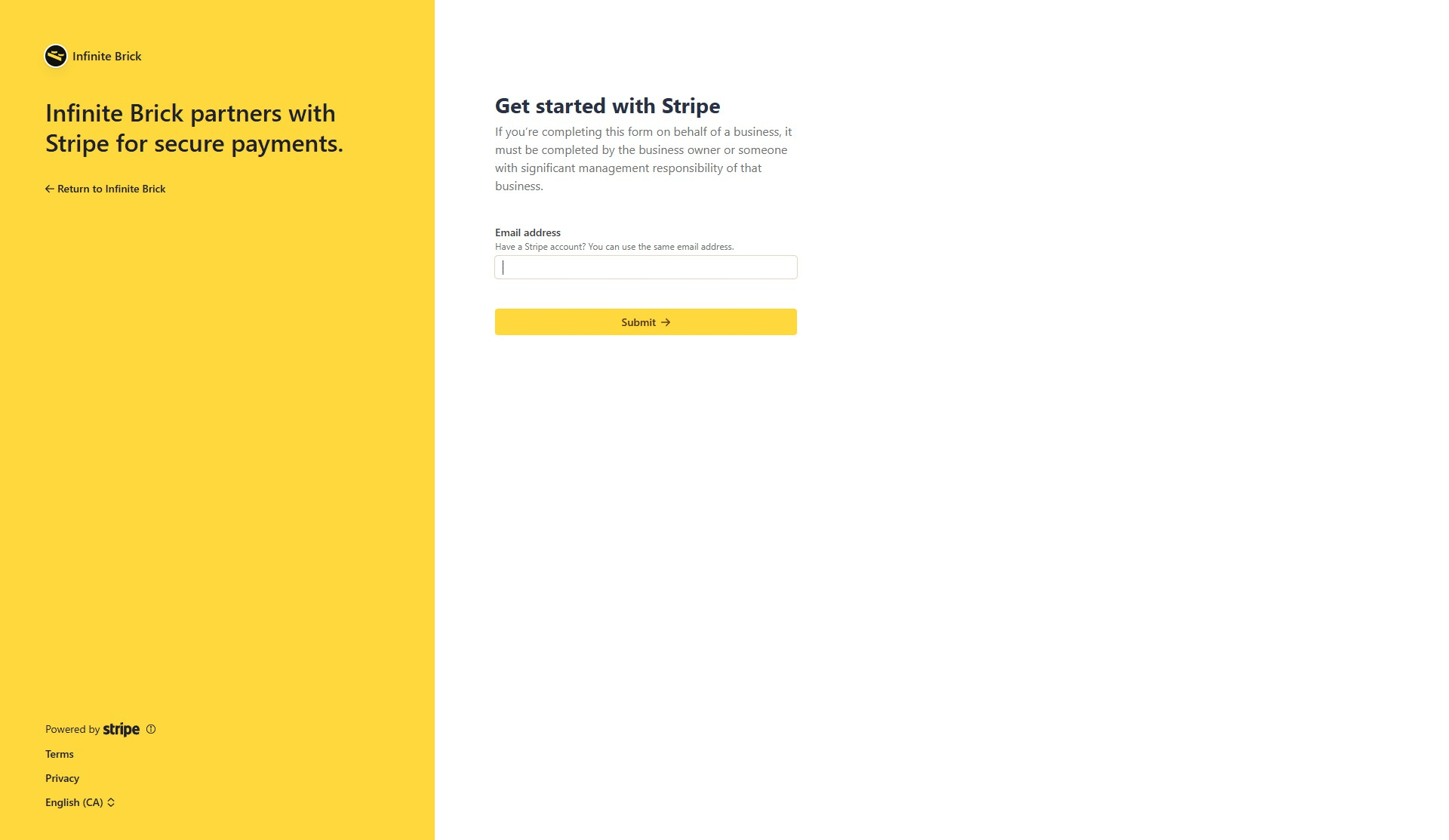
If you already have a Stripe account:
- Select it.
- Continue as prompted.
If creating a new account:
Follow the onboarding process. It will ask you to set up
- two-step authentication to secure your account
- business details
- verify that you are the owner
- which bank(s) you want to link
- how your business should show up on customers' credit card statements (Statement descriptor)
- If you want to offer phone support
When you see "Account Onboarded", you're done 🚀